Sign up and log in
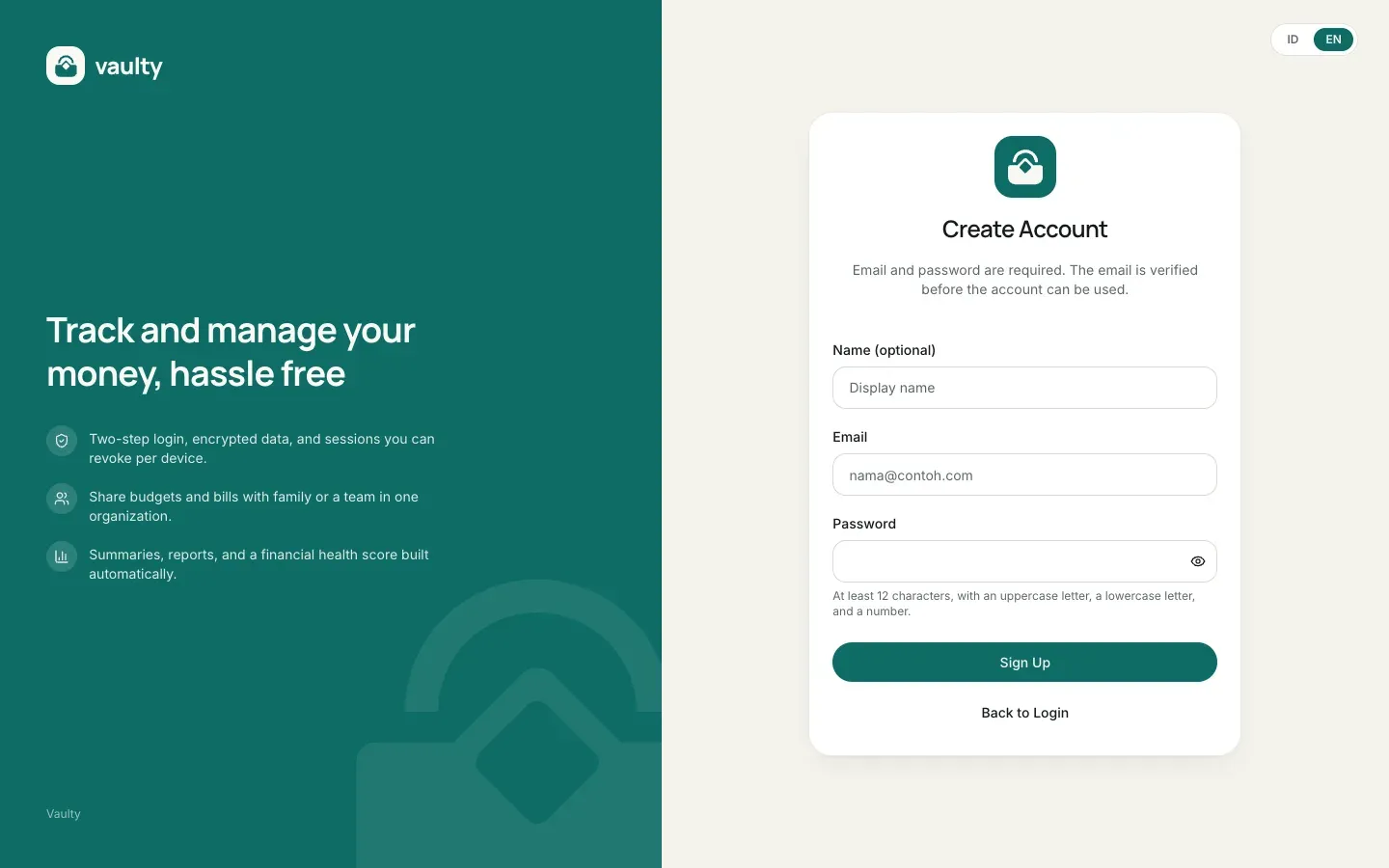
Sign up
Section titled “Sign up”You can sign up two ways:
- Email and password. The password needs at least 12 characters with an uppercase letter, a lowercase letter, and a number. After signing up we send a verification email. Click the link in it (valid for 24 hours) to activate your account.
- Continue with Google. Your account is active right away with no verification email. If your Google email is already registered with a password, the accounts are linked instead of duplicated.
Every new account gets a 14-day trial with no card. After verification (or when the Google account is created) you receive a welcome email.
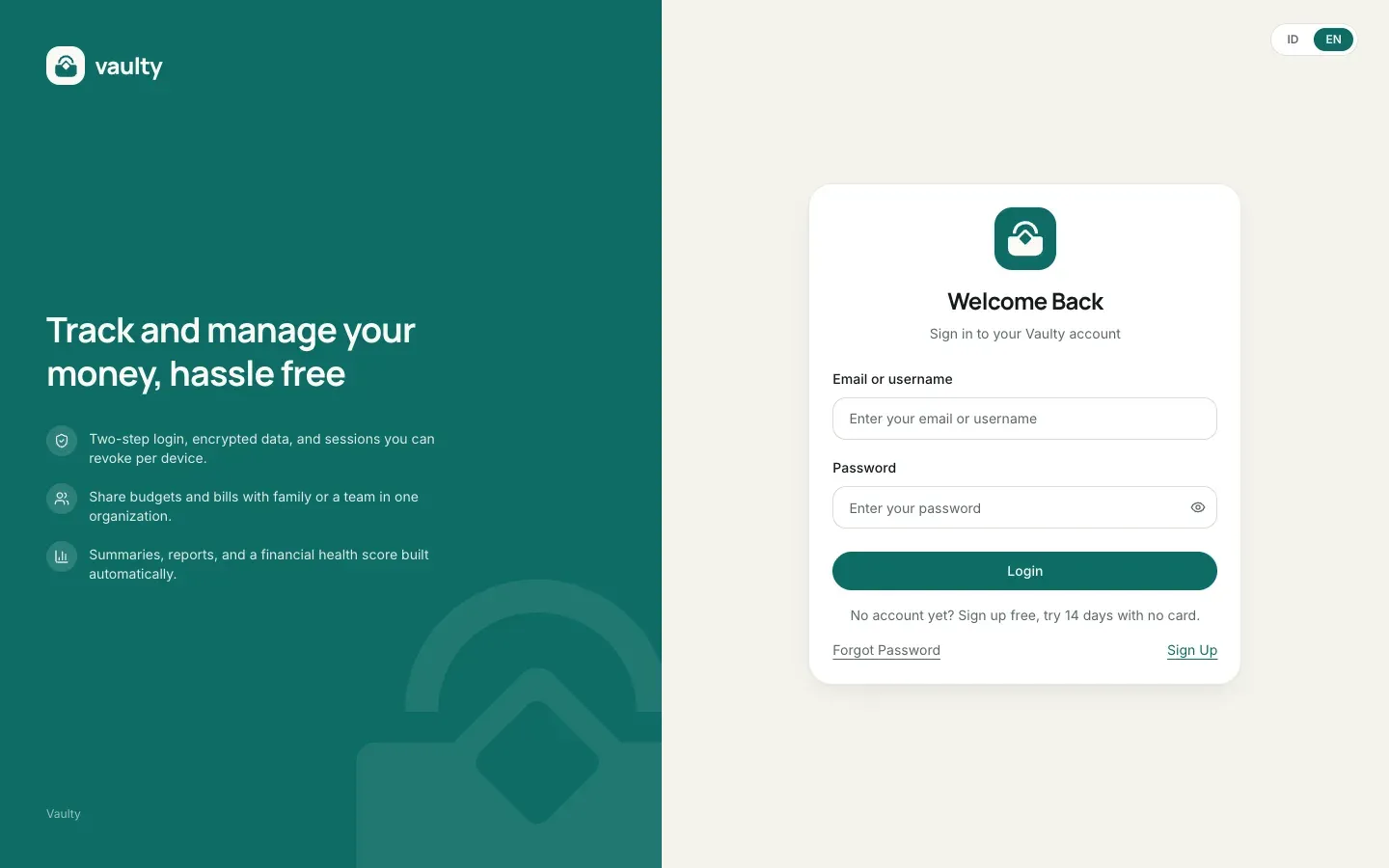
Log in
Section titled “Log in”Log in with your email or username and password, or the Google button. If you turned on two-step verification, you are also asked for a code from your authenticator app.
Forgot your password
Section titled “Forgot your password”Choose Forgot Password on the login page, enter your email, and follow the link we send (valid for 1 hour, single use). For safety, this page answers the same way whether or not the email is registered.
Account security
Section titled “Account security”In Settings you can:
- change your password (other devices are signed out),
- turn on two-step verification (Personal plan and above),
- see the devices currently signed in and sign them out.
What the pages look like
Section titled “What the pages look like”