
Master data: categories and payment methods
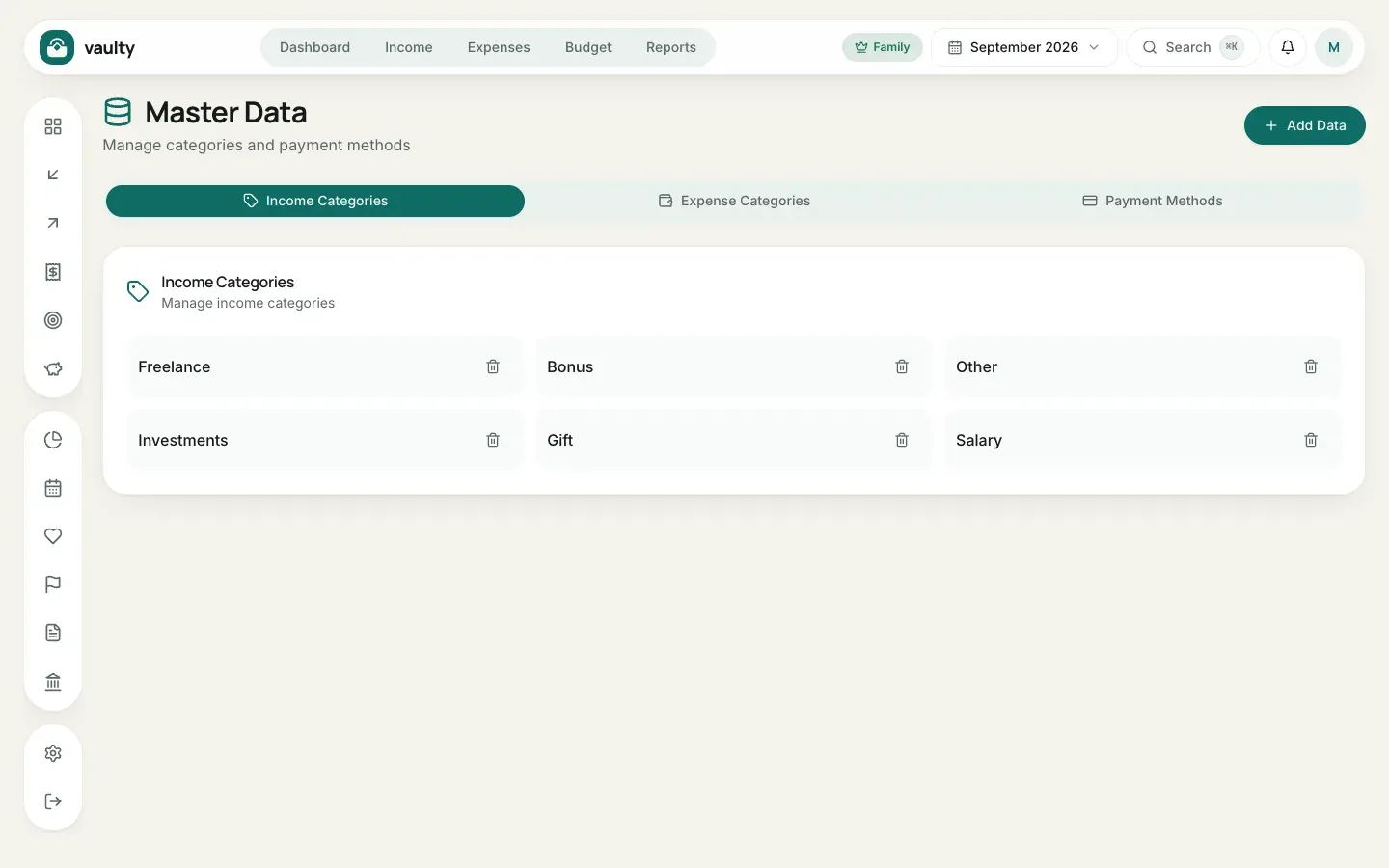
Master data is the list of choices that appear in forms: income categories, expense categories, and payment methods. Open it from the account menu (the avatar at the top right).
Adding a choice
Section titled “Adding a choice”- Pick a tab: Income Categories, Expense Categories, or Payment Methods.
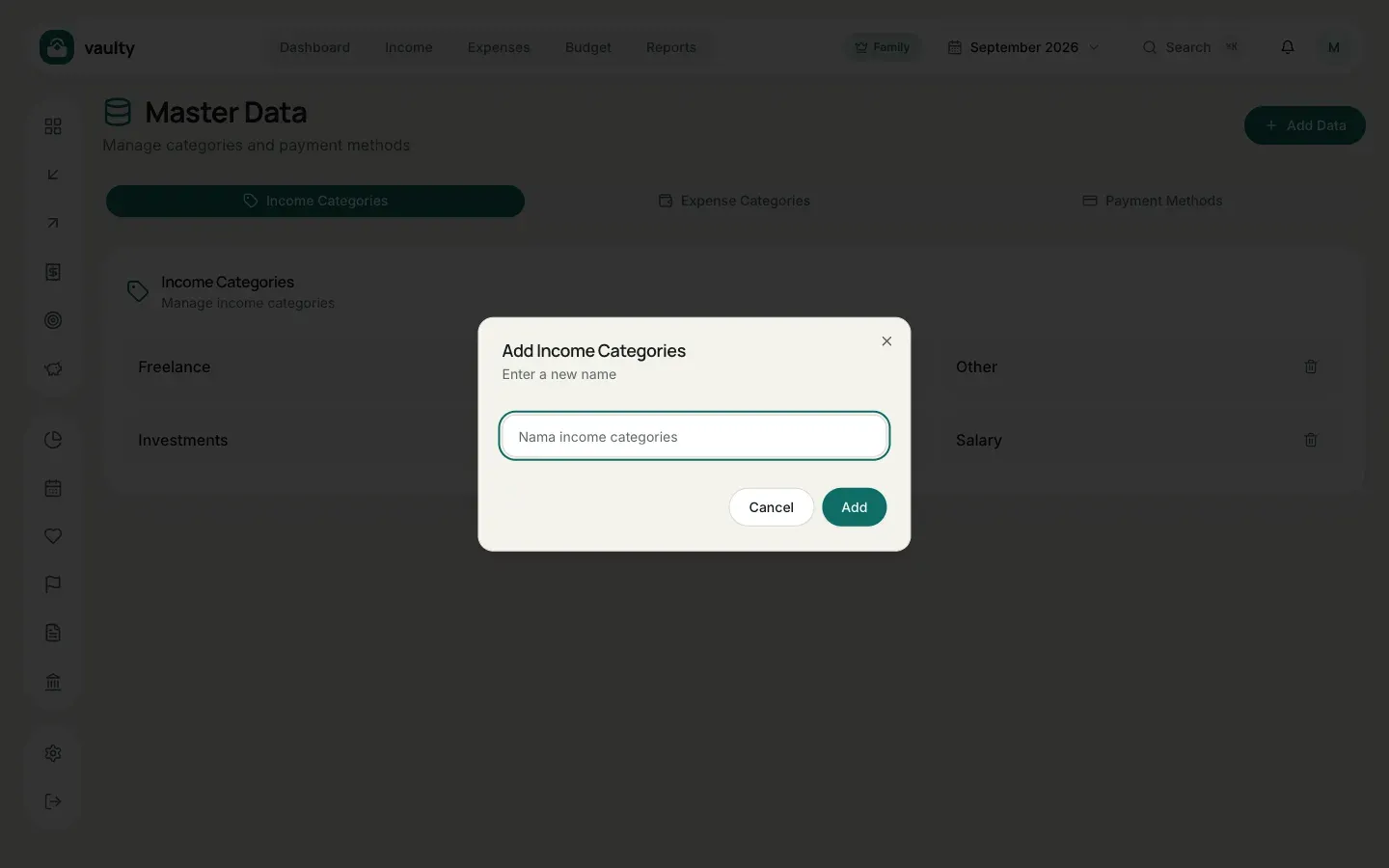
- Click Add Data.
- Type the new name and save.
Deleting
Section titled “Deleting”Click the trash icon next to a name. Older transactions that already use that name do not change, only the choice disappears from future forms.
- The starting lists are created when you sign up, in the language you chose. They belong to you and do not change if you switch the app language.
- Use short, consistent names so insights and reports stay tidy.