
Setting monthly budgets
Budget helps you hold back spending per category each month.
Creating a budget
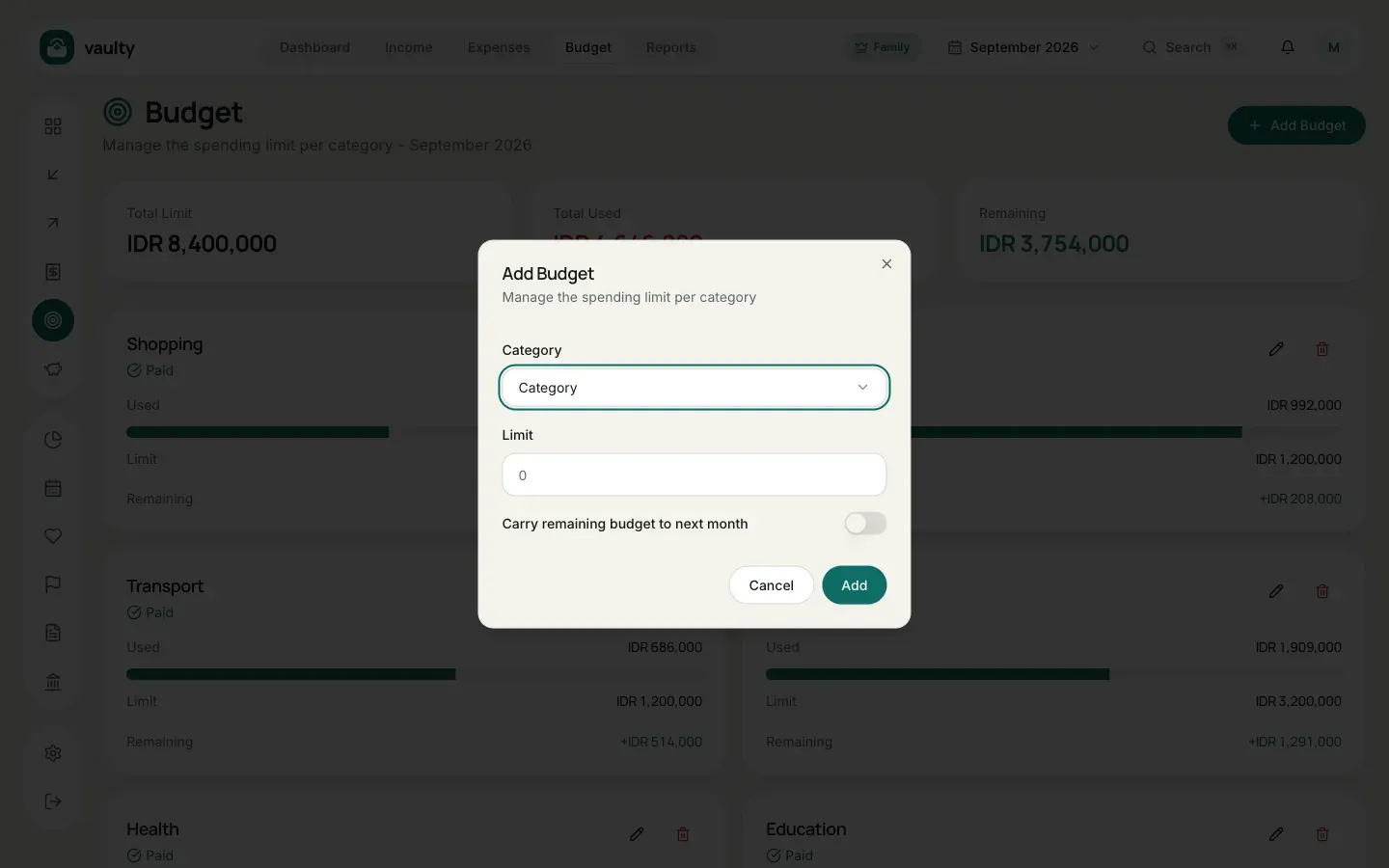
Section titled “Creating a budget”- Open Budget and pick the month in the picker at the top.
- Click Add Budget.
- Choose a Category and enter the Limit (the maximum for that month).
- (Optional) Turn on Carry remaining budget to next month if leftover budget should roll over.
- Click Add.
Reading the cards
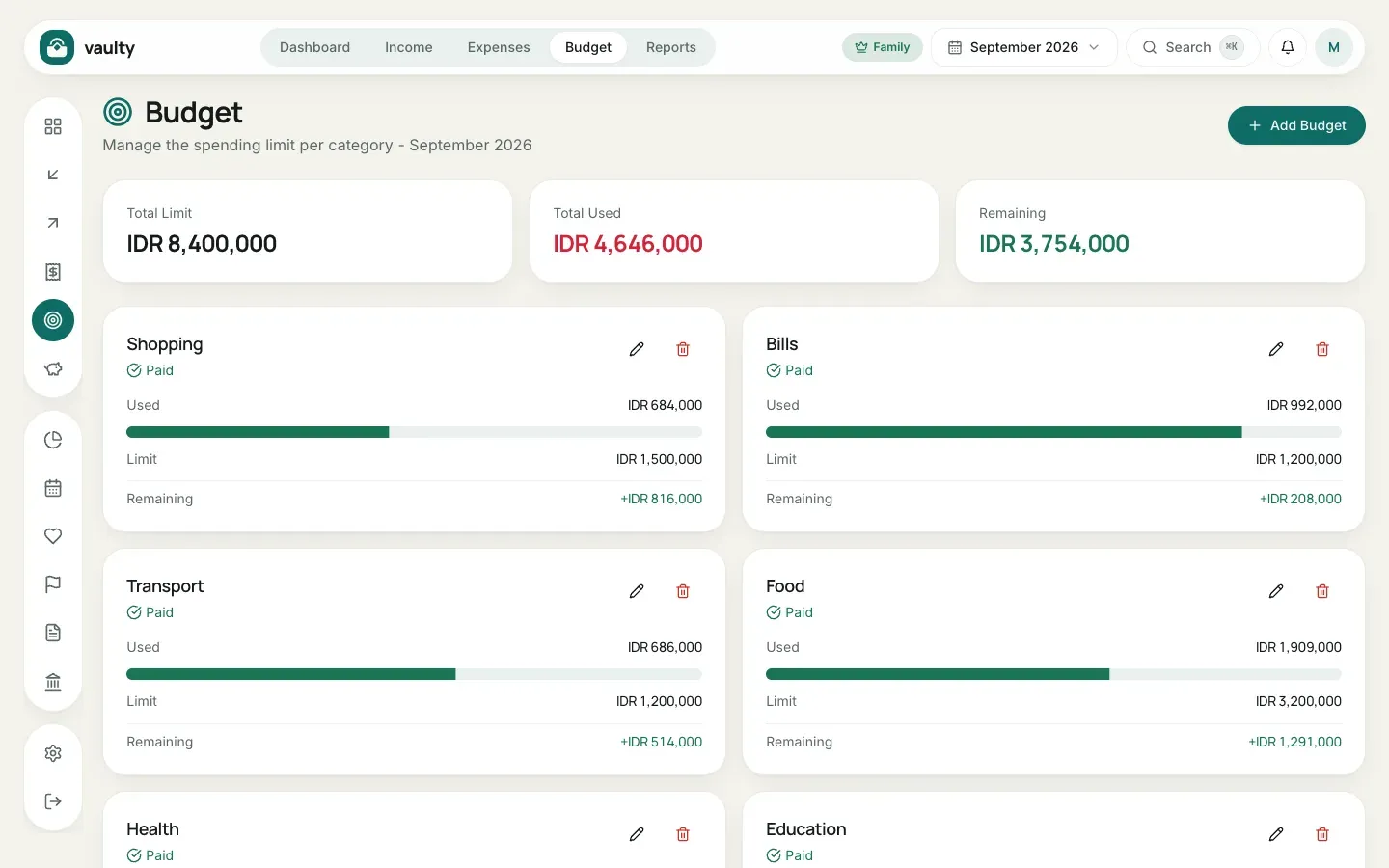
Section titled “Reading the cards”Each card shows Spent, Limit, and Remaining. The progress bar turns red and the remainder goes negative when spending passes the limit. Above the cards are the total limit, total spent, and total remaining for that month.
- Free plan: at most 3 budget categories.
- Budgets are per month. For a new month, add them again or use the rollover option.
- Notifications for a budget nearly used up arrive through the bell and (Personal plan and above) email. Set them up in Planning.